Engagement Platform
River Dôn Project Engagement Platform
We want to hear about your experiences and adventures across the landscapes of the River Dôn. Its’ 700 sq mile catchment and major tributaries - the Loxley, Rivelin, Sheaf, Porter, Rother, Dearne, as well as the smaller rivers, becks, brooks, canals and streams that flow into it.
We invite you to share your pictures, stories, observations, poems and memories, so that more people can see the often intimate and entangled relationships that communities and citizens share with our rivers, lakes, flora, fauna and with nature.
You can jump straight in and start exploring or keep scrolling to see our user guide to uploading and understanding more below.
User Guide
At any point on your journey through the guide tap / click-on the picture in that section to open the Engagement Platform
GETTING STARTED
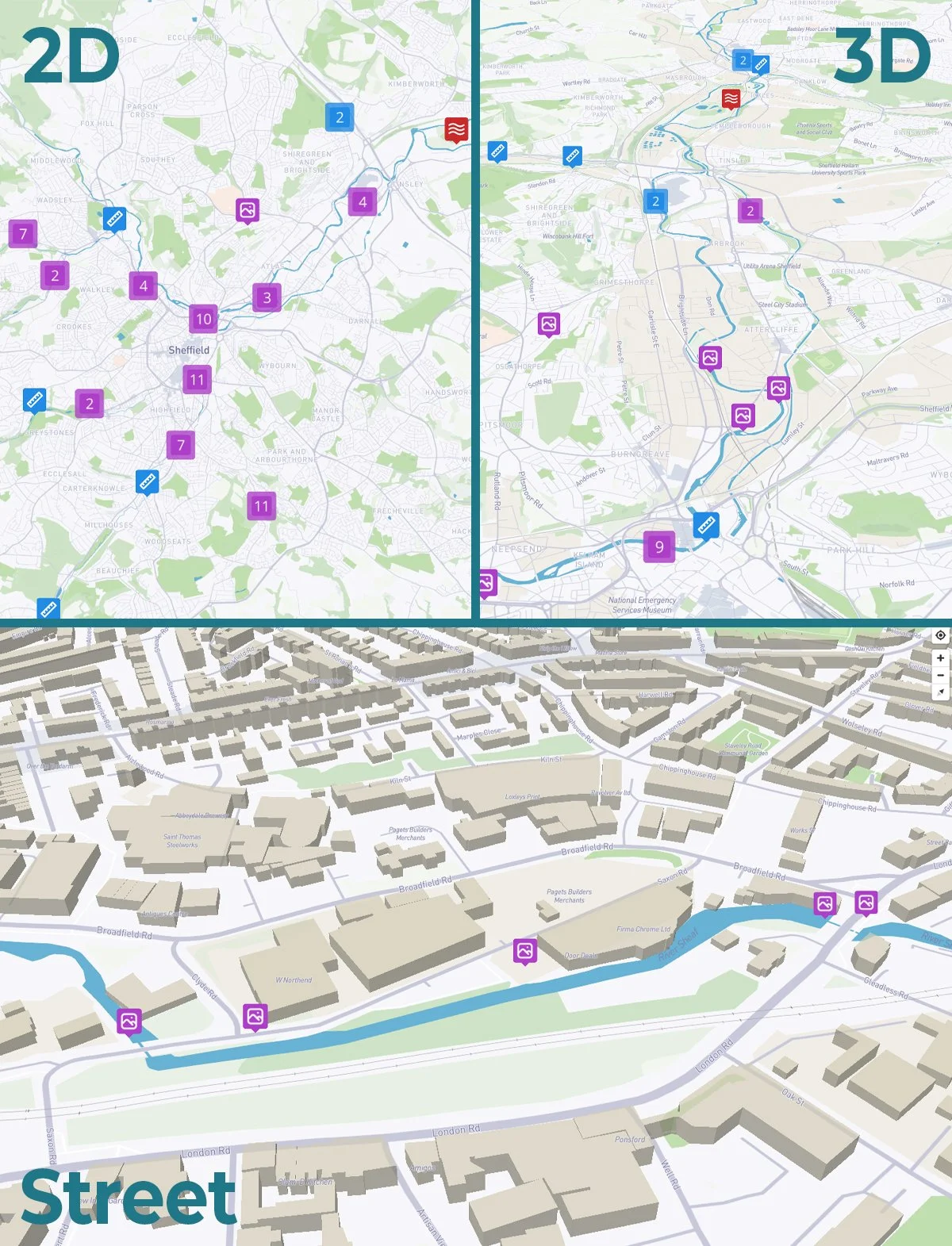
The Engagement Platform is a fully-interactive, 2-D and 3-D interactive Map.
MOBILE: Move the map with a single finger. With two fingers ~ pinch to zoom in-and-out, twist to rotate clockwise-and-anti-clockwise and slide top-to-bottom and beck down to go 3D
DESKTOP: Pan across the map by pressing-and-holding the left mouse button. Zoom in-and-out with the scroll wheel. Press-and-hold the right mouse button to rotate and explore in 3D.
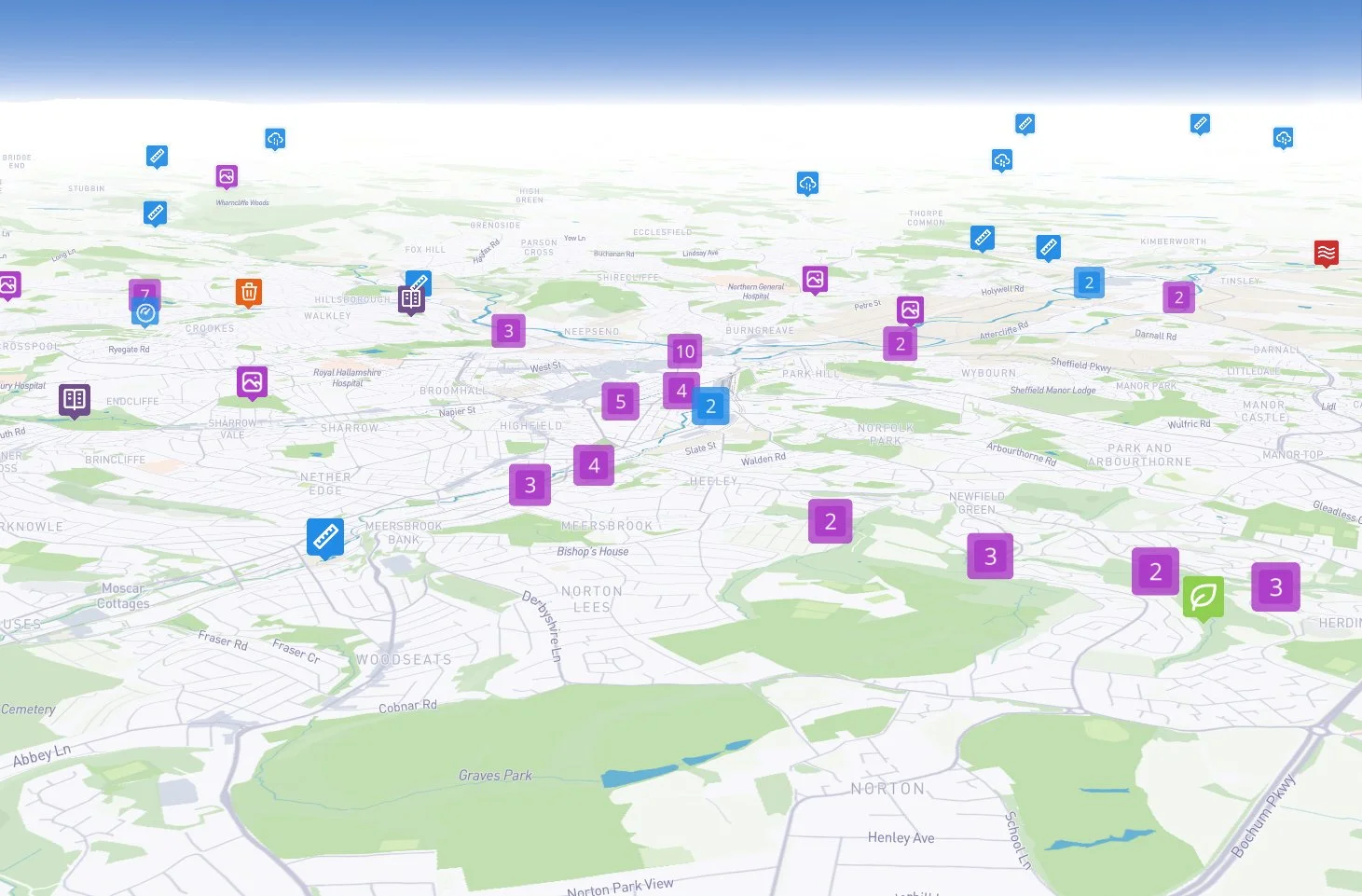
On the platform you will see a number of boxes with numbers in them - These signify how many pins are clustered at that point and more boxes will appear as you zoom in.
NAVIGATION
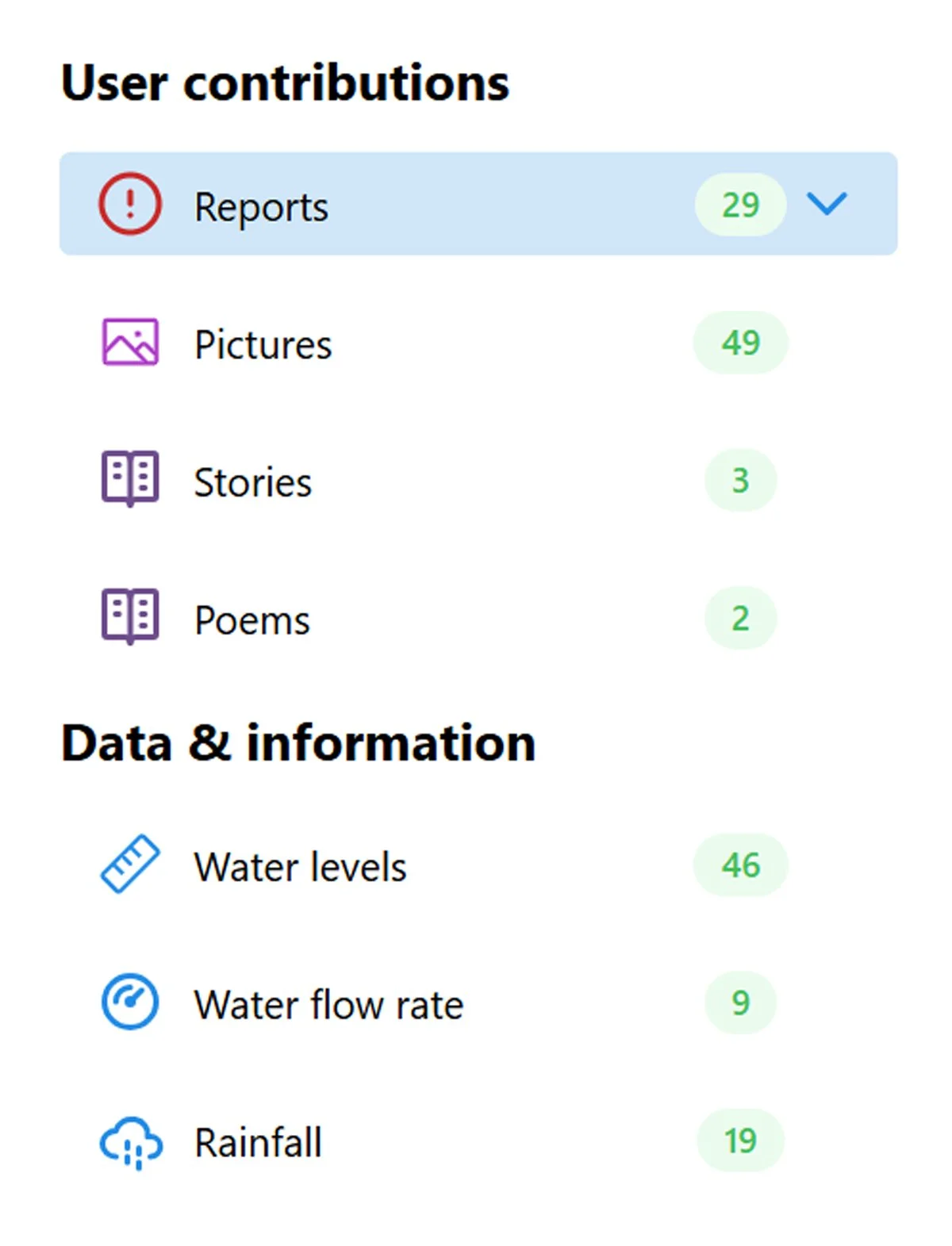
There are a number of features on the platform that can be accessed via the menus
You will see different coloured icons - Each of these correlate with the key: Tap the three stacked squares to open on MOBILE / Key should be visible on the right-hand-side on DESKTOP.
These layers enable you to explore the citizen contributions and the sensors that data feeds are being pulled from.
FEATURES
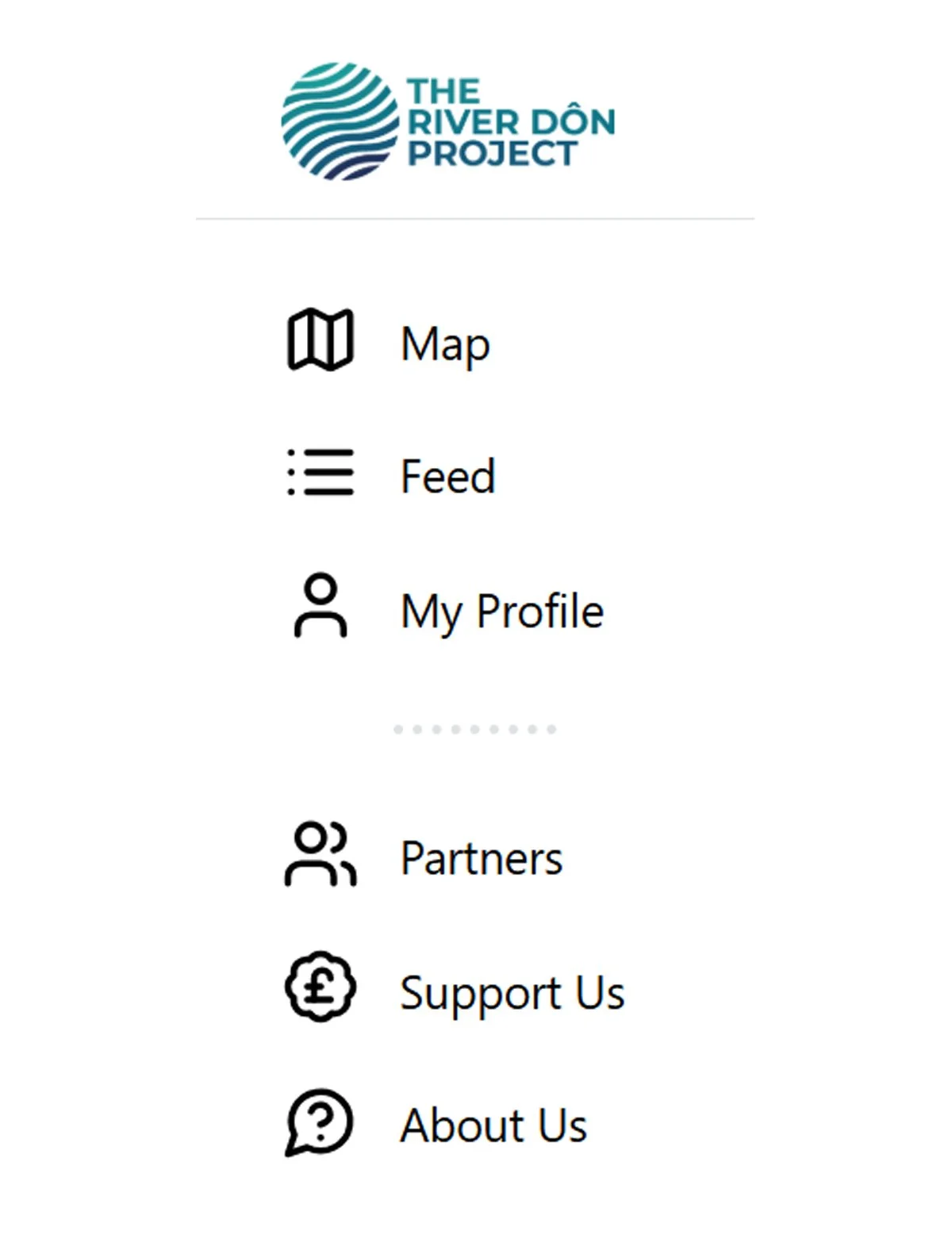
The uploaded contributions can also be explored as a reverse chronological, scrollable feed.
Tap the three line, menu icon to open on MOBILE / Key should be visible on the left-hand-side on DESKTOP. Tap / Click ‘Feed’.
To view a posts’ location - Tap / Click ‘View on Map’ - Bottom right
This menu also enables you to see your own contributions - Tap / Click ‘My Profile’. Once you have registered for an account.
At the base of this menu you can also access your account ‘My account’ - Here you can add a profile image (or use your social media avatar), edit your profile name or delete your account.
CONTRIBUTING